
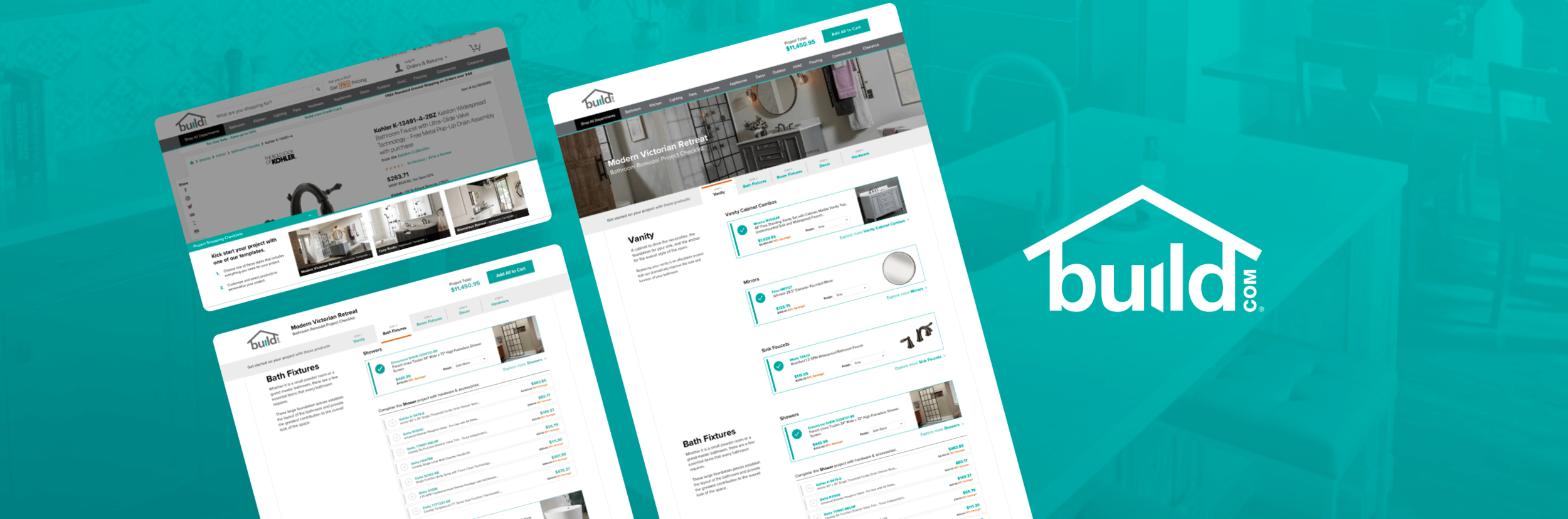
Build.com
Home project templates that give DIY customers a quick and easy way to purchase everything they need for their home renovation projects.
SCOPE
Digital Strategy
Product Management
UX/UI Design
Visual Design
BACKGROUND
In 2019, my company sponsored a hackathon that challenged us to work with new team members to solution and pitch viable opportunity around an existing problem for our clients. I led a team consisting of a developer, analyst, project manager, and myself as the designer and strategist.
We got assigned Build.com, an online home improvement retailer. Of the 8 teams that participated, we won first prize!
WHAT PROBLEM DID WE FOCUS ON?
Shopping for a remodel is overwhelming.
For average DIY-ers who are renovating a room or an entire home, it’s difficult to know what products to buy or even where to begin.
Sub-PROBLEMS
Project Builder Only Sees 0.4% Engagement
Build.com wants to increase engagement with their existing project builder tool, but it has several core issues:
Account creation + login is required to add products to the cart.
Products have to be added one by one to the cart, and the tool doesn’t recommend products.
“Shop by Look” products are not categorized by item type, and have to be added individually.
HOVER TO SCROLL ↓
v0: Project Builder (Bathroom)
HYPOTHESIS Solution
I believe that improving the UX of project templates and promoting them will simplify the shopping experience for customers starting a home renovation project.
If I’m right, then the order conversion rate for both Non-Pro and Pro users will increase.
1 — Promoting Project Templates
A sticky banner promoting "project templates" in a variety of styles is triggered on relevant product pages and category landing pages
2 — All-in-One Project Builder
Selecting a style takes renovators to a template that is pre-populated with relevant items in the selected style.
3 — Customizing the Project
Templates provide visitors with relevant items needed to complete the project, and products can be modified from this all-in-one checklist.
4 — Update Project Cost + Add All
The total cost of the project is update in real time, and add all products can be added to the cart at once
PROJECTED REVENUE
Estimated Revenue Impact
Although we did not sell this opportunity to the client, the impact of building such a tool would have been monumental. Just in the Bathroom category, a 1% order conversion rate lift would have resulted in the following revenue lift:
x 1% Order Conversion Rate Lift
= 1,687 additional annual orders
x $1,053.98, the average order value
Annual revenue lifT
+$7.1 MILLION*
*Based off 168,738 bathroom category visits with an order in 2018
Next Steps
Validate the solution through moderated user testing, iterate the designs, and build to test.
Gathering qualitative insights.
Since development for this project would be a very high level of effort, I would first recommend gathering some qualitative insights through moderated user testing in order to address any potential usability issues before going to development.
Build a proof of concept.
After iterating on the design with learnings from qualitative research, I would work with development to build a working proof of concept that can be tested on one of Build.com’s most popular renovation categories and see how it performs before rolling out to other categories.
Check out my other work
Silicon Valley Bank • Uber • Blu Dot • Brooks Brothers • lululemon